Source-backed analysis13
Review basis
The AppDuo team prepared this review by analysing product features, official documentation and user feedback to help you understand its strengths, limitations and suitability for your needs.
13 reference sourcesInformation updated Nov 10, 2026
How we review
Visual Studio Code Review
Microsoft's free code editor, extended by add-ons, with built-in AI agents
By AppDuo Editorial Team · Updated
- Windows
- macOS
- Linux
- Web
On this page
Decide at a glance
Our verdict
VS Code is a sensible default for most developers: free, available on Windows, macOS, Linux and the browser, backed by a large extension marketplace, and used by 75.9% of respondents in the 2025 Stack Overflow survey. The trade-offs are that many key capabilities live in extensions of uneven quality, Microsoft's build is proprietary with telemetry, and the AI features depend on Copilot or your own API key.
Best for: Developers working across several languages and frameworks who want something lighter than a full IDE but extensible
Skip it if: Developers who want a deeply specialised IDE for one stack such as Java or .NET with built-in refactoring and analysis and no extension setup
Pros
- Free for private and commercial use, per the official FAQ
- Runs on Windows, macOS, Linux and in the browser (vscode.dev), with remote development over containers, SSH and WSL
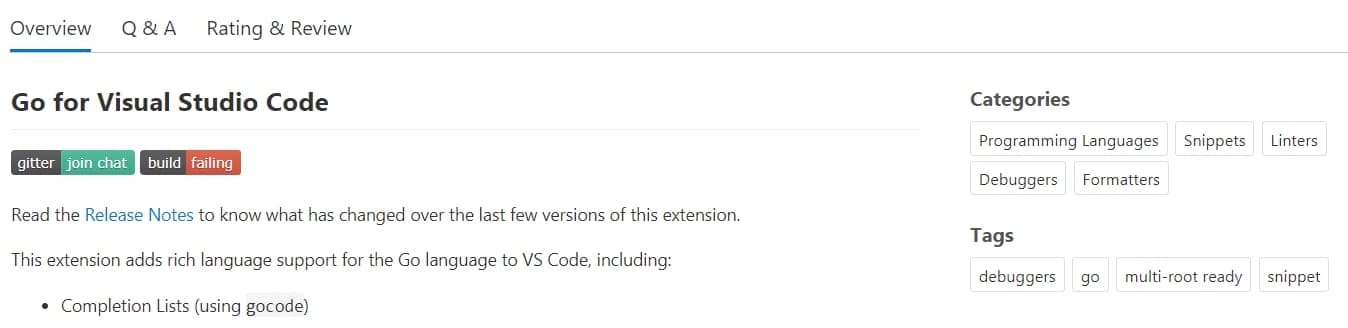
- JavaScript, TypeScript, HTML and CSS work out of the box; other languages are added through Visual Studio Marketplace extensions
Cons
- Microsoft's VS Code distribution uses a proprietary license rather than plain MIT, and the terms bar redistributing it or offering it as a standalone service
- Telemetry is on by default; most can be turned off, but the license says not every scenario can be opted out of, and extensions collect their own data
All pros and cons · Who is it for?
Pros
- The vscode repository (Code - OSS) is MIT licensed and has roughly 195k stars on GitHub
- Supports several AI agent harnesses (Copilot, Claude, Codex), multiple model providers and bring-your-own-key
Cons
- Extensions vary in quality and licensing; each sets its own terms
- Older operating systems are dropped: Windows 7 and 8/8.1, and macOS Big Sur and earlier after version 1.106
Best for
- People who need to develop in containers, over SSH or in WSL while keeping a familiar interface
- Beginners who want a free tool with plenty of documentation and tutorials
Skip it if
- Anyone who needs a build with no Microsoft telemetry or services out of the box
Experience & key features
What is VS Code?
Visual Studio Code is Microsoft's code editor, announced at the Build conference on 29 April 2015. On 18 November 2015 Microsoft released the open-source core, Code - OSS, on GitHub under the MIT license, and version 1.0 followed in April 2016 per Wikipedia. The VS Code you download from Microsoft is a separate distribution under a Microsoft license that adds proprietary icons, Marketplace integration and telemetry. The latest stable version on the updates page is 1.145, released 4 November 2026.
Key features
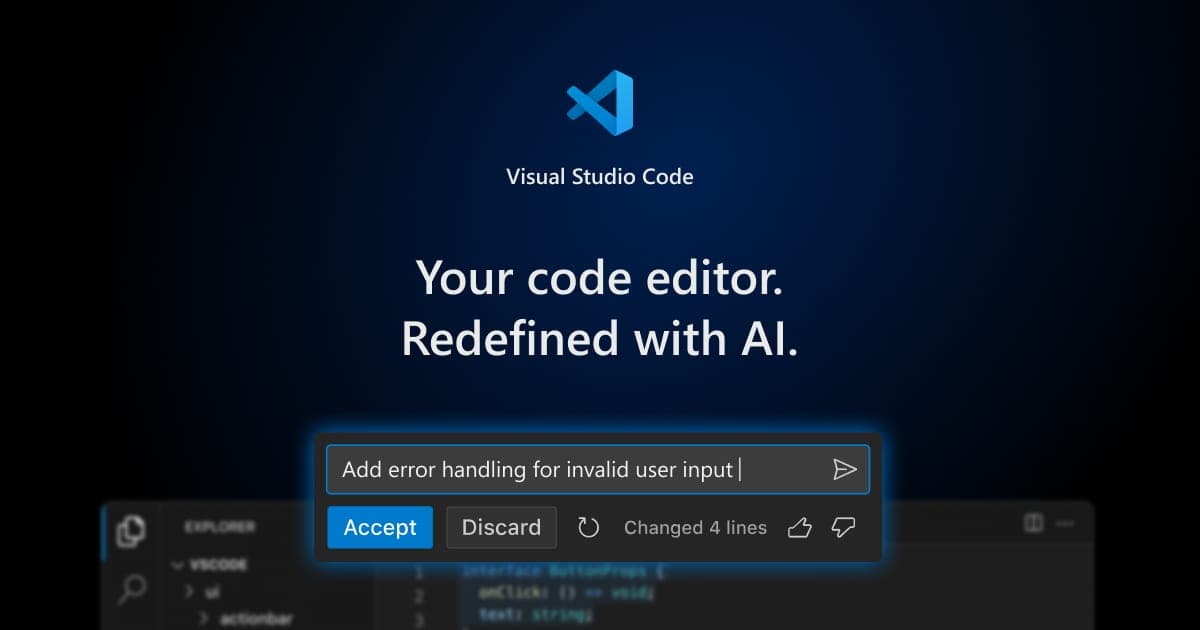
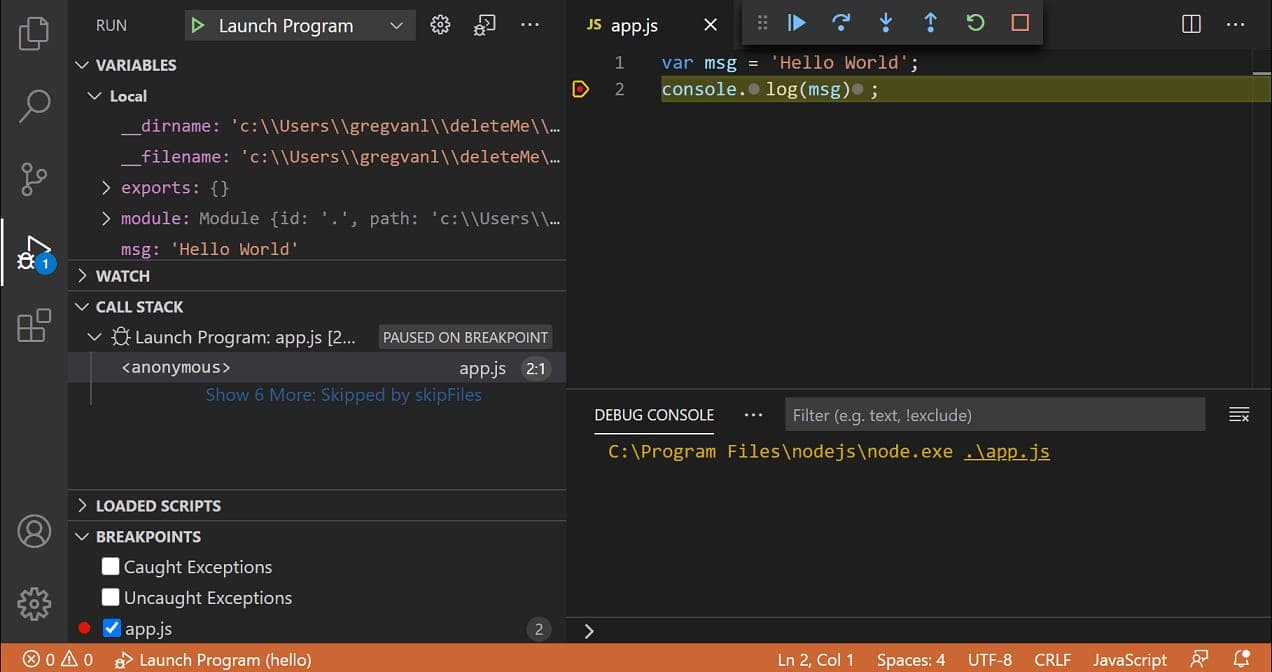
JavaScript, TypeScript, HTML and CSS work out of the box; Python, Java, C++ and many others come from extensions. The editor offers debugging, Git, an integrated terminal and remote development in containers, over SSH or in WSL. On the AI side, VS Code lets you choose Copilot, Claude or Codex agents, use models from several providers or your own API key, and adds MCP, project instructions and agent sessions that can continue across devices. In May 2025 Microsoft announced it would open-source the Copilot Chat extension under MIT and move AI components into VS Code core; by 30 June 2025 that was done.
Pricing and value
The official FAQ says VS Code is free for private and commercial use. The license permits any number of copies to develop and test applications, but bars sharing, renting or offering the software as a standalone service to others. The AI side runs on a GitHub Copilot plan, a provider account or an API key; the Copilot overview in the VS Code docs does not state prices or a free tier, so check the GitHub Copilot pricing page before deciding.
More analysis
Who it's for and how it compares
In the 2025 Stack Overflow survey, VS Code was used by 75.9% of respondents, ahead of Visual Studio (29%), IntelliJ IDEA (27.1%) and Cursor (17.9%). Cursor and Windsurf put AI at the centre; IntelliJ IDEA and Visual Studio are deeper IDEs for Java/Kotlin and .NET/C++; Zed, Neovim and Sublime Text take lighter or different approaches. VS Code suits people who want a free, general-purpose, multi-language tool; those who want an AI-first experience or specialised tooling may weigh these alternatives.
Screenshots
Plans & pricing
Prices last verified Nov 10, 2026
VS Code
Free
Free for both private and commercial use. AI features run on a GitHub Copilot plan, a supported provider account or your own API key; the VS Code Copilot overview page does not say which plans are free.
- Free plan limits
- The editor itself is free with no time limit. Costs only arise from add-on services such as a Copilot plan or paid third-party extensions.
- Free trial
- No free trial
Cancellation & refunds
Not applicable since the software is free. Refund terms for a Copilot plan or paid extensions are set by each provider.
Privacy
VS Code sends three kinds of data to Microsoft: crash reports, error telemetry and usage data, the last of which also drives A/B experiments. Users can set telemetry.telemetryLevel to all, error, crash or off; turning off usage data also disables experiments, so new features may arrive later, and data already sent is not recalled. The license says you can opt out of many but not all collection scenarios and that using the software counts as consent. Extensions collect their own data, which the setting does not control. Per the official FAQ, if you disable AI features or do not sign in to a Copilot subscription, data is not sent to the Copilot backend.
Visual Studio Code alternatives
 7.5/10
GitHub Copilot
An AI coding assistant that runs in most major IDEs and ties into GitHub
 7.4/10
IntelliJ IDEA
JetBrains' Java and Kotlin IDE, now a single product for Community and Ultimate
Frequently asked questions
Is VS Code free?
Yes. The official FAQ says VS Code is free for private and commercial use. Add-on services such as a Copilot plan or paid extensions are billed separately.
Is VS Code open source?
In part. The vscode repository (Code - OSS) is MIT licensed, while the VS Code build Microsoft distributes uses its own license and adds components such as icons and Marketplace integration.
How do I turn off telemetry in VS Code?
Go to File > Preferences > Settings, search for "telemetry" and set Telemetry Level to off. Turning off usage data also disables feature experiments. Extensions may collect their own data, so check each one.
Which operating systems does VS Code support?
Windows, macOS and Linux, plus the web version at vscode.dev. The last release for Windows 7 is 1.70.3, for Windows 8/8.1 it is 1.79, and for macOS Big Sur and earlier it is 1.106.
Review evidence & sources13
Scores
- Ease of use
- 8.3
- Features
- 9.0
- Value for money
- 9.3
- Performance
- 7.4
- Support
- 7.2
- Privacy & security
- 6.5
Why this score
A familiar interface, popular languages work immediately, and official docs and videos are extensive; a web version exists at vscode.dev. Marked down because setup depends on extensions and the growing layer of AI and agent features adds complexity. The interface is English-only by default.
Why this score
Debugging, Git, terminal, remote development (containers, SSH, WSL), a large extension marketplace, MCP and multiple AI agents. It leads the category at 75.9% in the 2025 Stack Overflow survey (Visual Studio 29%, IntelliJ IDEA 27.1%, Cursor 17.9%), though some specialised features require extensions.
Why this score
Free for commercial use with no time limit; costs arise only from add-ons such as Copilot or paid extensions. Few rivals match this feature set at zero price.
Why this score
Wikipedia lists VS Code as built on Electron, and no independently verified benchmarks were found in the sources opened. The score is cautious: performance depends heavily on installed extensions; x86-64, ARM32 and ARM64 are supported.
Why this score
Broad official documentation, detailed release notes and a public GitHub repository for issues. No direct support channel for individual users was found on the pages opened; help relies on docs and the community, so it scores below products that offer email support.
Why this score
Telemetry can be set to off and the docs describe the three data types clearly, with telemetry code public. Marked down because telemetry is on by default, the license says not all collection can be opted out of, and extensions gather their own data beyond this setting.
Sources
- Vendor-providedOfficial homepageNov 10, 2026
- Vendor-providedOfficial FAQ (license, telemetry, platforms)Nov 10, 2026
- Vendor-providedOfficial telemetry documentationNov 10, 2026
- Vendor-providedOfficial license pageNov 10, 2026
- Vendor-providedOfficial release notes / updatesNov 10, 2026
- Vendor-providedCopilot in VS Code overviewNov 10, 2026
- Vendor-providedVS Code blog: open source AI editor (2025-05-19)Nov 10, 2026
- Vendor-providedDebugging documentationNov 10, 2026
- Vendor-providedExtension Marketplace documentationNov 10, 2026
- Community-reportedGitHub repository microsoft/vscodeNov 10, 2026
- Vendor-providedVS Code blog: vscode.dev (2021-10-20)Nov 10, 2026
- Community-reportedWikipedia: Visual Studio CodeNov 10, 2026
- pressStack Overflow Developer Survey 2025: TechnologyNov 10, 2026
Specs & compatibility
- Developer
- Microsoft
- Headquarters
- United States
- Launched
- 2015
- Category
- Development
Capabilities
- Works offline
- Open source
- AI features
- Integrations
Platforms
- Windows
- macOS
- Linux
- Web
Interface languages
- English
Integrations
- GitHub
- GitHub Copilot
- Docker
- WSL
- SSH
- Dev Containers
- MCP servers
- Visual Studio Marketplace
Support
- Help center
- Community forum
- Video tutorials
Change history
- Feature.Version 1.145 ships with remote agents (preview), nested sessions that can use a different agent harness from their parent (Claude, Codex alongside Copilot) and cron schedules for local automations.
- Feature.Microsoft announces it will open-source the GitHub Copilot Chat extension under MIT; a 30 June 2025 update confirms it is done.
- Feature.vscode.dev launches: a lightweight VS Code that runs entirely in the browser with no install.
Full change history (6)
- Launch.VS Code leaves public preview with version 1.0.
- Company.The open-source core, Code - OSS, is released under the MIT license on GitHub, with extension support announced.
- Launch.Microsoft announces Visual Studio Code at the 2015 Build conference.