Source-backed analysis10
Review basis
Research-based review: the AppDuo Editorial Team compiled it from official pages, documentation, app stores, press and user feedback, without hands-on testing. Every claim links to a source with the date it was checked.
10 reference sourcesInformation updated Nov 10, 2026
How we review
QuillBot Review
Paraphrasing, grammar, plagiarism and AI-detection toolkit with strong ratings
By AppDuo Editorial Team · Updated
- Web
- iOS
- Android
- Windows
- macOS
- Browser extension
On this page
Decide at a glance
Our verdict
QuillBot suits students and writers who want sentence rewriting, grammar fixes and text checks in one place, with high ratings on Trustpilot, the App Store, Google Play and the Chrome Web Store. The trade-offs are a 125-word free cap and default storage of text typed into the browser extension.
Best for: Students and writers who want paraphrasing, grammar and summarizing under one account
Skip it if: People handling confidential or sensitive text who do not want inputs stored
Pros
- High ratings: Trustpilot 4.8/5, App Store 4.7/5, Google Play 4.5/5, Chrome Web Store 4.7/5
- Many tools in one plan: paraphraser, grammar, plagiarism, Humanizer, AI Detector, summarizer
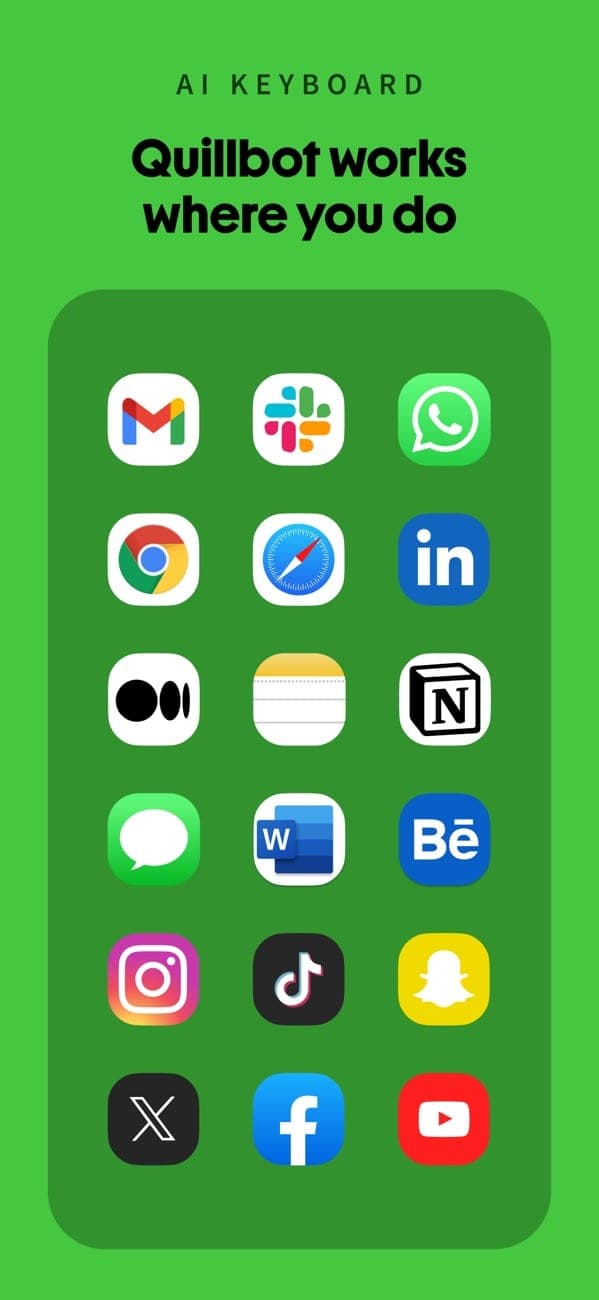
- Extensions for Chrome, Edge and Safari, apps for iOS, Android, macOS, Windows, and a Word add-in
Cons
- Free tier limited to 125 words and 2 paraphrase modes
- Since 8 Nov 2025, the browser extension stores text inputs by default and you must opt out
All pros and cons · Who is it for?
More pros
- Team Plan inputs excluded from training by default
More cons
- Refunds only where required by law
- Trustpilot reviewers mention free limits and occasionally inaccurate detector results or synonyms
Best for
- Users who want browser, mobile and Word add-in access on one plan
Skip it if
- Anyone needing flexible refunds, since refunds follow legal requirements only
Problems it solves
Experience & key features
What QuillBot is
QuillBot is an AI writing tool, developed in 2017 according to Wikipedia. On 19 August 2021 Course Hero announced it had acquired QuillBot together with CliffsNotes, without disclosing the price. QuillBot is now a business of Learneo, Inc. The Premium page says over 35 million writers use it, a figure QuillBot reports itself.
Tools and platforms
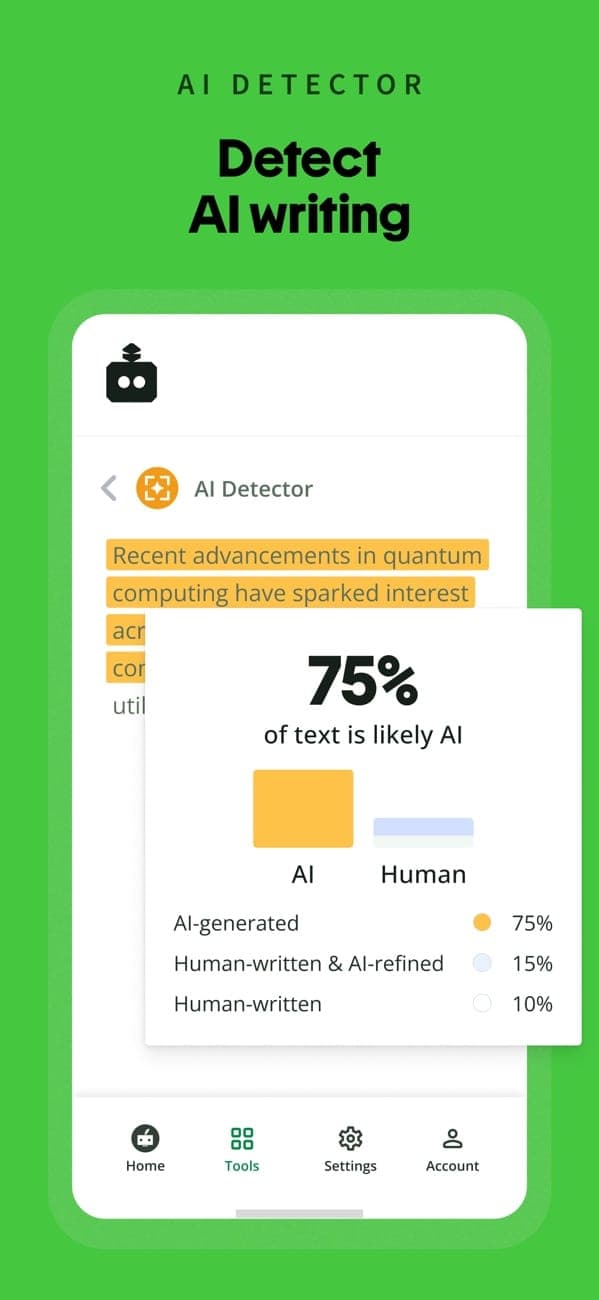
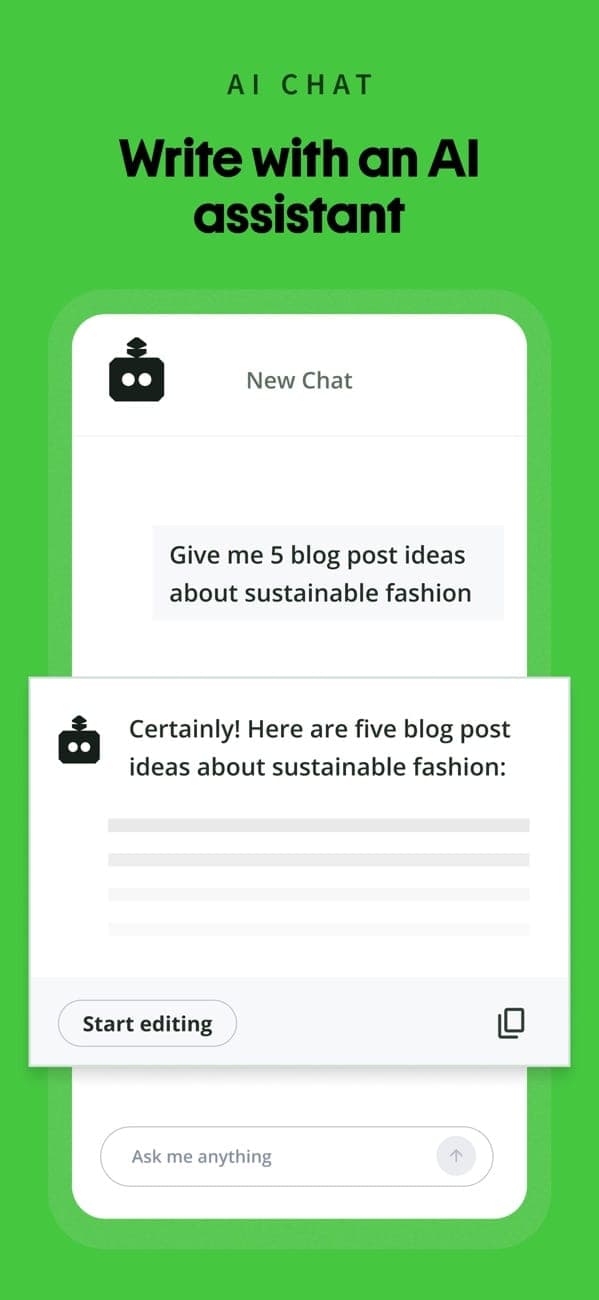
The Premium page lists a paraphraser (23 languages), grammar checking (6 languages), plagiarism checker, Humanizer, AI Detector, summarizer, citation generator, chat and AI image generation. There are extensions for Chrome, Edge and Safari, apps for Android, iOS, macOS and Windows, and a Word add-in. The Chrome extension shows 4.7/5 from about 6,100 ratings and about 6 million users.
Pricing and value
Free paraphrases up to 125 words at a time in 2 modes. Premium is listed at $8.33 per month billed annually and unlocks paraphrasing with no word cap, 9 modes, plagiarism checks of 25,000 words per month and summaries up to 6,000 words. On the US App Store the prices are $19.99 per month, $79.99 per six months and $99.99 per year. Team Plan adds user management, centralized billing and priority support, with no published price.
More analysis
Data and privacy
The point to note is the 8 Nov 2025 change: text inputs are stored by default for browser extension users, with two opt-out controls (storage and training). QuillBot also says it does not sell data and does not train on Team Plan inputs. If you write sensitive documents, check these controls under Data and Privacy in the extension settings before use.
Versus alternatives
QuillBot fits best when you mainly need rewriting and text checks for study or work. For broader Q&A and drafting, compare ChatGPT, Claude or Gemini; they do not fully replace QuillBot's plagiarism and citation tools.
Screenshots
Plans & pricing
Prices last verified Nov 10, 2026
Free
PersonalFree
Per the official Premium page: paraphrase up to 125 words, 2 modes (Standard and Fluency), basic grammar fixes, Humanizer up to 125 words with limited usage, summaries up to 1,200 words, a limited AI Detector, limited AI chat and 10 MB of document storage.
Premium
Personal$19.99/mo
$8.33/mo billed yearly
The Premium page lists $8.33 per month billed annually. The $19.99 monthly, $79.99 six-month and $99.99 annual prices come from the US App Store and may differ from web prices. Includes paraphrasing with no word cap, 9 modes plus custom modes, plagiarism checks of 25,000 words per month, summaries up to 6,000 words, 100 MB of document storage, higher AI chat usage, usage-limited AI image generation and priority assistance.
Team Plan
BusinessContact sales
Everything in Premium plus team usage metrics, a user management dashboard, centralized billing, data control and priority support. The Premium page lists no price. Per the Trust Center, QuillBot does not train on this plan's text inputs.
- Free plan limits
- Free is capped at 125 words per paraphrase and 2 paraphrase modes, with a usage-limited 125-word Humanizer and a limited AI Detector.
- Free trial
- No free trial
Cancellation & refunds
The help center says you cancel by turning off auto-renewal and keep access to the end of the paid period; refunds are issued only if required by law under Learneo's terms. EEA and UK consumers have a 14-day right of withdrawal. Plans bought via the App Store or Google Play must be refunded by Apple or Google.
Privacy
Per the official help article, from 8 Nov 2025 QuillBot stores text inputs by default for all browser extension users (version 4.37.0 and above) instead of asking for consent first. Users get two opt-out controls: storing text inputs (all users) and using text inputs to train AI models (signed-in account holders only). The Trust Center says QuillBot uses inputs for training to improve its services and for personalization, does not sell data, does not let third-party providers train their AI on your data, and does not access text in sensitive fields such as passwords or card numbers. Team Plan inputs are excluded from training by default. QuillBot says it has offices in the US and India and cites GDPR, CCPA, PCI DSS and EU-US Data Privacy Framework compliance. For the iOS app, the App Store label lists location and other data as used to track you.
QuillBot alternatives
 7.5/10
Google Translate
Free translation across 240+ languages by text, voice, camera and conversation
 7.5/10
Gemini
Google's AI assistant, tied into Gmail, Drive, Android and Google storage plans
Frequently asked questions
Is QuillBot free?
Yes, there is a Free plan: paraphrase up to 125 words, 2 modes, basic grammar, and limited Humanizer and AI Detector. Paid Premium unlocks the full tools.
Does QuillBot store my text or use it for AI training?
Since 8 Nov 2025, text inputs are stored by default for browser extension users. You can opt out of storage and of training use under Data and Privacy; Team Plan inputs are not used for training.
How do I cancel Premium and can I get a refund?
Turn off auto-renewal in your account; access continues to the end of the period. Refunds only where required by law; EEA and UK consumers have a 14-day withdrawal right. Store-bought plans must be refunded by Apple or Google.
Which languages does QuillBot support?
Per the Premium page: paraphrasing in 23 languages, grammar in 6, and translation into 40+. The page does not list the languages individually.
Review evidence & sources10
Scores
- Ease of use
- 8.5
- Features
- 8.0
- Value for money
- 7.5
- Performance
- 7.5
- Support
- 6.5
- Privacy & security
- 5.5
Why this score
Trustpilot reviewers praise ease and speed; browser extensions and a phone keyboard are available. A few report trouble saving work.
Why this score
The Premium page lists paraphrasing in 23 languages, grammar in 6, plagiarism, citations, Humanizer, AI Detector, summaries, chat and AI images.
Why this score
$8.33 per month billed annually for a broad toolset; the US App Store monthly price is $19.99. The free tier is tightly capped.
Why this score
High ratings across four platforms, though some Trustpilot reviewers report wrong synonyms and inaccurate detector results. No independent test data was read for this review.
Why this score
A help center with cancellation and refund articles; the Premium page lists priority assistance for Premium and priority support with account management for Team. AppDuo found no independent data on response times.
Why this score
EU-US Data Privacy Framework certification and no data sales, but since 8 Nov 2025 extension inputs are stored by default and used for training unless the user opts out.
What users say
- Trustpilot4.8/5 · 14,709
- App Store (US)4.7/5 · 3,100
- Google Play (US)4.5/5 · 22,900
- Chrome Web Store4.7/5 · 6,100
Sources
- Vendor-providedQuillBot Premium pageNov 10, 2026
- Vendor-providedQuillBot Trust CenterNov 10, 2026
- Vendor-providedQuillBot Help Center: November 8, 2025 Privacy Policy UpdateNov 10, 2026
- Vendor-providedQuillBot Help Center: refund policyNov 10, 2026
- storeApp Store listingNov 10, 2026
- storeGoogle Play listingNov 10, 2026
- storeChrome Web Store listingNov 10, 2026
- review-siteTrustpilot: quillbot.comNov 10, 2026
- pressGunderson Dettmer: Course Hero acquisition of CliffsNotes and QuillBot (2021-08-19)Nov 10, 2026
- Community-reportedWikipedia: QuillBotNov 10, 2026
Specs & compatibility
- Developer
- Learneo (QuillBot)
- Headquarters
- United States
- Launched
- 2017
Capabilities
- AI features
- Mobile app
- Integrations
- Real-time collaboration
Platforms
- Web
- iOS
- Android
- Windows
- macOS
- Browser extension
Interface languages
- English
- Spanish
- French
- German
- Portuguese
Integrations
- Chrome
- Microsoft Edge
- Safari
- Microsoft Word
Support
- Help center
Change history
- Update.Privacy policy update: text inputs stored by default for browser extension users, with two new opt-out controls (storage and training).
- Company.Course Hero announced the acquisition of QuillBot along with CliffsNotes; price undisclosed.
- Launch.QuillBot developed (Wikipedia gives only the year 2017).
About the author
Reviews & comments
Written by readers with a verified email address.
No reviews yet. Have you used QuillBot? Share your real experience.
Reader reviews are counted separately and do not affect the Editorial Team’s score.
No comments yet. Be the first to share your experience.
Comments are readers’ opinions, not content from the AppDuo Editorial Team.