Source-backed analysis12
Review basis
Research-based review: the AppDuo Editorial Team compiled it from official pages, documentation, app stores, press and user feedback, without hands-on testing. Every claim links to a source with the date it was checked.
12 reference sourcesInformation updated Nov 10, 2026
How we review
Napkin AI Review
Turns pasted text into diagrams and visuals in one click
By AppDuo Editorial Team · Updated
- Web
On this page
Decide at a glance
Our verdict
Napkin AI suits people who need to illustrate ideas quickly for reports, articles or slides without drawing or writing prompts. The trade-off is a free plan with weekly credit limits and branding, Slides still in beta, and no independent user ratings found to cross-check.
Best for: Writers of reports, blog posts and documents who need quick diagrams, flowcharts or infographics from existing text
Skip it if: Anyone who needs to generate visuals on a phone: visual generation is not yet available on mobile
Pros
- Permanent free plan with PNG/PDF export and unlimited import of PPT, DOC, PDF, HTML and MD files
- Creates content in 60+ languages regardless of input language
- Offers an API (tokens created in Settings) and real-time collaboration in Teamspaces
Cons
- Free plan carries Napkin branding; removing it and exporting PPT/SVG requires paying from $9/person/month
- Capped credits (500/week on Free), and no free trial or refund policy is stated on the pricing page
All pros and cons · Who is it for?
Pros
- SOC 2 Type II, ISO 27001, and an opt-out for using content to improve AI
Cons
- Interface in six languages only; visual generation is not on mobile
Best for
- Teams that want to co-edit visuals in a Teamspace and export to PowerPoint or SVG
Skip it if
- Those who need a general design tool with fine-grained control, such as Figma or Canva
Problems it solves
Experience & key features
What Napkin AI is
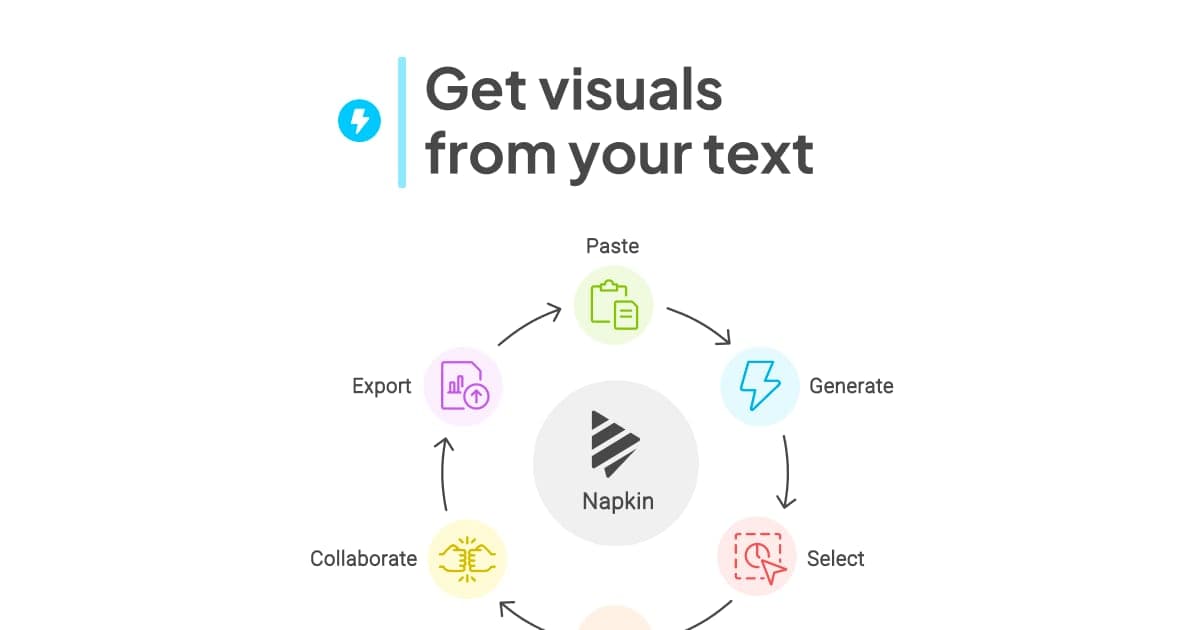
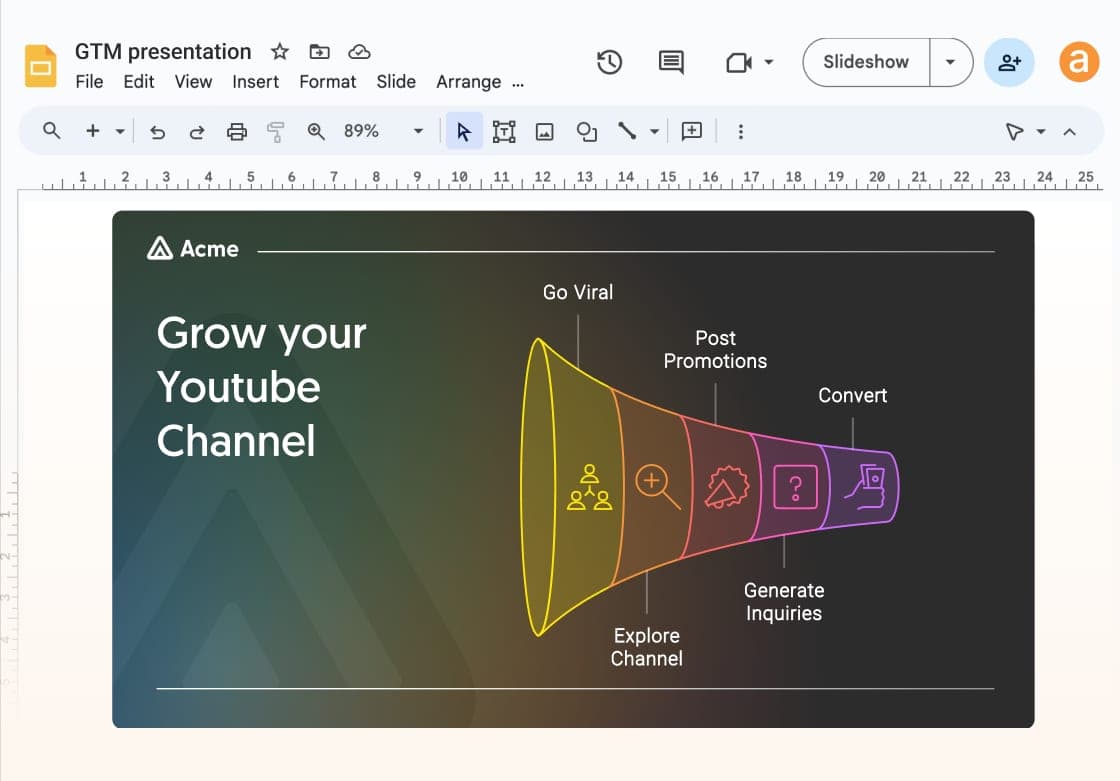
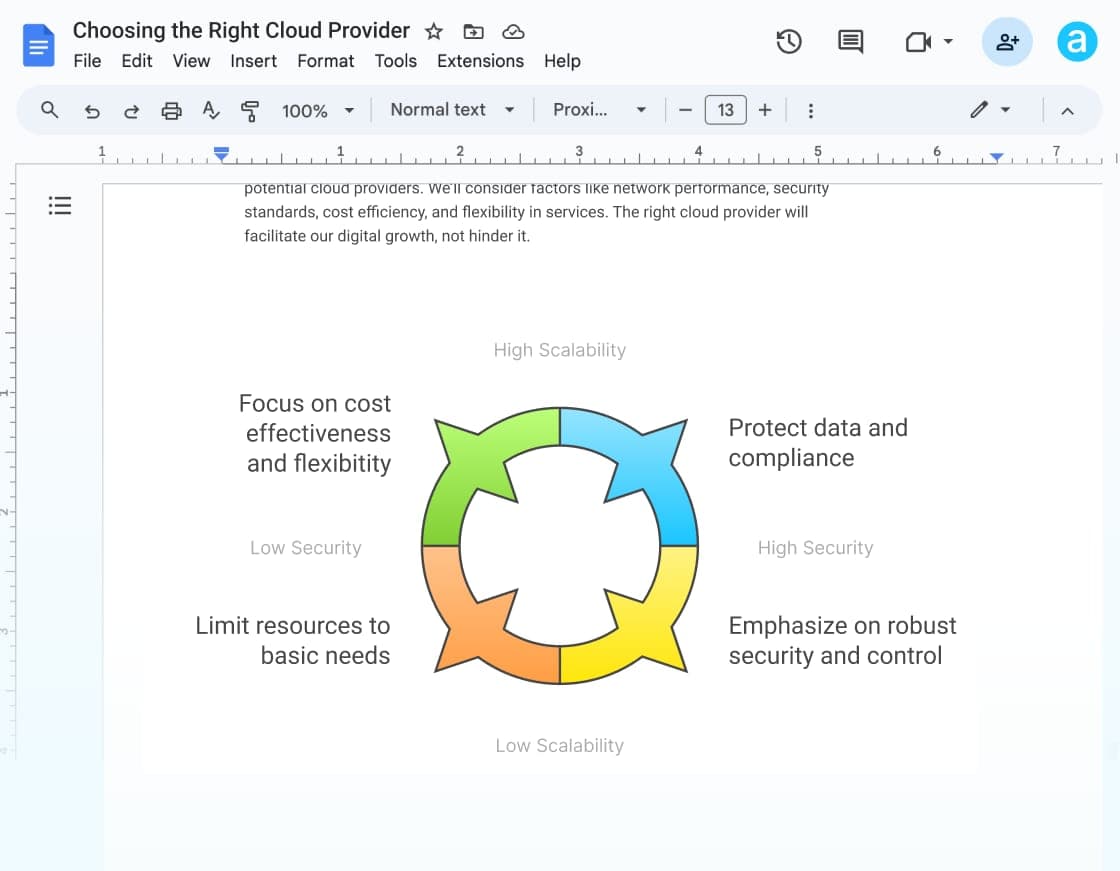
Napkin AI is a visual communication platform: you paste or write text, click the Autospark icon and choose a result such as a flowchart, mind map, infographic or chart. The company's about page says it grew out of the team behind Osmo, an AI gaming company for kids, and names Pramod Sharma (CEO) and Jerome Scholler (CTO) as founders.
Besides Napkin Visuals (a single graphic), there is Napkin Slides, which builds a full deck from an outline. According to a help article dated September 2, 2026, Slides is in beta. You can change colors, fonts, layouts and icons, collaborate in a Teamspace, and import PPT, DOC, PDF, HTML and MD files. Visual generation does not yet run on mobile.
Pricing and value
Free gives 500 credits per week and PNG/PDF export with Napkin branding. Plus costs $9 and Pro $22 per person per month; the pricing page states a 25% discount for annual billing, which works out to roughly $6.75 and $16.50 (an estimate, since annual prices are not listed). Plus adds PPT/SVG export and removes branding; Pro has 30,000 credits and unlimited custom branding. On paid plans, each member who accepts a team invitation is billed as an extra seat. The pricing page mentions no trial or refund.
Versus alternatives
Napkin is narrower than Canva or Adobe Express but faster when the goal is simply to turn a passage into a graphic. Gamma leans toward whole presentations, while Miro and Lucidchart are stronger for hand-built diagrams. Pick Napkin if you already have the text and need illustrations quickly.
Screenshots
Plans & pricing
Prices last verified Nov 10, 2026
Free
PersonalFree
500 AI credits per week, unlimited visual editing, unlimited file import, PNG/PDF export. Visuals carry Napkin branding.
Plus
Personal$9/mo/user
10,000 credits per month, premium AI image models, PPT/SVG export, 3 Brand Styles, no Napkin branding, team management and billing. Annual billing saves 25%; the pricing page does not list the annual price.
Pro
Personal$22/mo/user
30,000 credits per month; everything in Plus plus exclusive designs, unlimited custom branding, font uploads and optional credit top-ups. Annual billing saves 25%; the annual price is not listed.
Enterprise
BusinessContact sales
Contact sales for pricing.
- Free plan limits
- The Free plan has 500 AI credits per week; roughly 1 credit per word selected for generation.
- Free trial
- No free trial
Cancellation & refunds
The pricing page mentions no refund policy or free trial. After cancelling, paid access continues until the end of the billing period.
Privacy
According to its help center, data is hosted on Google Cloud in the United States, encrypted in transit and, for sensitive data, at rest. Content is processed by Google, OpenAI, Anthropic or models Napkin runs itself, depending on the feature; these providers may not use customer personal data to train general-purpose models. For self-serve accounts, Napkin may use anonymized records of interactions to improve its AI, and users can opt out under Account Settings, Data Privacy. Enterprise data is not used for training. Napkin reports SOC 2 Type II, ISO 27001 and GDPR compliance.
Napkin AI alternatives


Frequently asked questions
Is Napkin AI free?
Yes, there is a permanent Free plan with 500 AI credits per week, unlimited editing and PNG/PDF export with Napkin branding. PPT/SVG export and removing branding need a paid plan.
Does Napkin AI support Vietnamese?
The vendor says content can be created in 60+ languages but does not list them, so Vietnamese cannot be confirmed. The interface comes in six languages: English, French, Spanish, Italian, Korean and Portuguese.
Does Napkin use my content to train AI?
Napkin may use anonymized records of interactions to improve its AI. You can switch it off under Account Settings, Data Privacy, "Use my content for product improvements". Enterprise data is not used for training.
Can I use Napkin visuals commercially?
Per the help center, complete visuals can be used on websites, in presentations, books and commercial applications if you follow the Terms. Generated visuals are not guaranteed to be unique, and icons should stay embedded in the visual.
Review evidence & sources12
Scores
- Ease of use
- 7.5
- Features
- 7.0
- Value for money
- 7.5
- Performance
- 6.5
- Support
- 6.5
- Privacy & security
- 7.0
Why this score
Per the homepage, the workflow is paste text, click Autospark and pick a result, with no prompt writing; no independent reviews were found to confirm this in practice.
Why this score
Visuals, Slides (beta), multi-format import, API and Teamspaces; but narrowly focused on illustrations and with no formal direct integrations listed.
Why this score
Permanent free plan, Plus $9 and Pro $22 per person per month; low versus design suites, though credits are capped.
Why this score
The vendor says generated visuals are not guaranteed to be unique; no independent reviews or store ratings were found to verify quality.
Why this score
A reasonably complete help center and a contact email; no independent feedback on support quality was found.
Why this score
SOC 2 Type II, ISO 27001, providers barred from training general models on personal data, and an opt-out switch; points deducted because self-serve accounts default to anonymized content use for improving AI.
Sources
- Vendor-providedOfficial homepageNov 10, 2026
- Vendor-providedOfficial pricing pageNov 10, 2026
- Vendor-providedOfficial privacy policyNov 10, 2026
- Vendor-providedAbout NapkinNov 10, 2026
- Vendor-providedNapkin blog: SOC 2 Type II and ISO 27001Nov 10, 2026
- Vendor-providedHelp center: security and privacy at NapkinNov 10, 2026
- Vendor-providedHelp center: is my content used to train Napkin's AINov 10, 2026
- Vendor-providedHelp center: supported languagesNov 10, 2026
- Vendor-providedHelp center: APINov 10, 2026
- Vendor-providedHelp center: Napkin Slides betaNov 10, 2026
- Vendor-providedHelp center: copyright and commercial useNov 10, 2026
- review-siteTrustpilot (no reviews listed)Nov 10, 2026
Specs & compatibility
- Developer
- Napkin AI
- Headquarters
- United States
- Launched
- 2024
- Category
- ProductivityAI
Capabilities
- AI features
- Public API
- Real-time collaboration
- Templates
Platforms
- Web
Interface languages
- English
- French
- Spanish
- Korean
- Portuguese
Integrations
- PowerPoint
- Google Slides
- Keynote
- Notion
- Microsoft Word
Support
- Help center
Change history
- Company.Napkin published a post announcing SOC 2 Type II and ISO 27001 certification (date taken from the page's structured data).
- Update.Napkin's current privacy policy took effect.
- Feature.A help article from the company states Napkin Slides is live in beta.
About the author
Reviews & comments
Written by readers with a verified email address.
No reviews yet. Have you used Napkin AI? Share your real experience.
Reader reviews are counted separately and do not affect the Editorial Team’s score.
No comments yet. Be the first to share your experience.
Comments are readers’ opinions, not content from the AppDuo Editorial Team.