Source-backed analysis12
Review basis
The AppDuo team prepared this review by analysing product features, official documentation and user feedback to help you understand its strengths, limitations and suitability for your needs.
12 reference sourcesInformation updated Nov 10, 2026
How we review
By AppDuo Editorial Team · Updated
- macOS
- Windows
- Linux
- Web
- iOS
- Android
- API
On this page
Decide at a glance
Our verdict
A fit for developers and teams who want to hand multi-step tasks (bug fixes, refactors, pull requests) to an agent working inside the repo, with an explicit permission model. The trade-offs: cost and usage depend on a Claude plan or API pricing, and it runs only Anthropic models.
Best for: Terminal-comfortable developers who want an agent to read, edit and run commands in their project
Skip it if: Anyone who wants a free tier: the Claude Free plan does not include Claude Code
Pros
- Available on many surfaces: terminal, VS Code, JetBrains, desktop app, web, mobile, Slack and CI
- Auto mode (the default in terminal and VS Code) uses a classifier to block risky actions; Manual mode asks before editing files or running commands
- Extensible through CLAUDE.md, skills, hooks, MCP and the Agent SDK; bash commands can run in a sandbox
Cons
- Usage is capped per 5 hours and per week; Anthropic added weekly limits for Pro and Max on 28 August 2025
- Heavier-usage tiers are expensive: Max at 100 USD and Ultra at 200 USD a month
All pros and cons · Who is it for?
Pros
- Detailed documentation that spells out data policy, retention and how to turn off telemetry
Cons
- On individual plans, data can be used for training while that setting is on (and is then kept 5 years); local session transcripts are plaintext
Best for
- Teams automating PR review and issue handling through GitHub Actions, GitLab CI/CD or Slack
- Companies that need commercial data terms and want to run it through Amazon Bedrock, Google Cloud or Microsoft Foundry
Skip it if
- People who want to pick models from several vendors inside one tool
Experience & key features
What Claude Code is
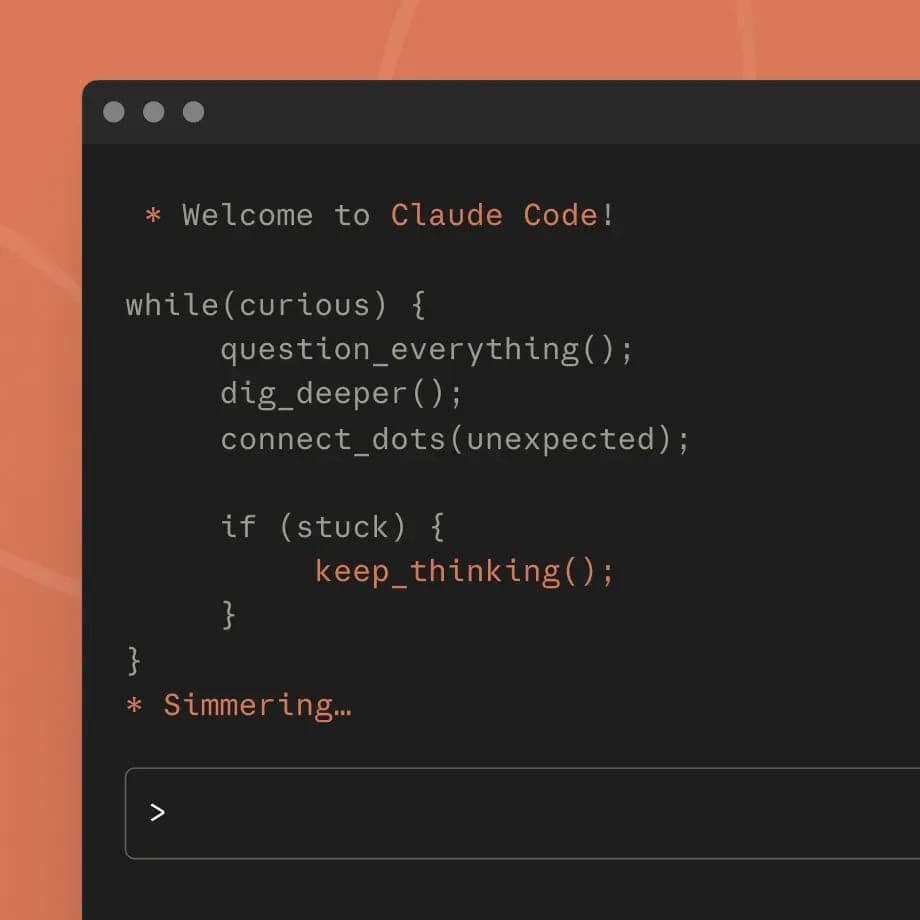
Claude Code is Anthropic's coding agent. According to the official documentation, it reads your codebase, edits files, runs commands and connects to development tools. It launched on 24 February 2025 as a limited research preview alongside Claude 3.7 Sonnet and became generally available on 22 May 2025 with Claude 4. The product page says it runs locally and talks directly to model APIs, with no backend server or remote code index.
How it works and key features
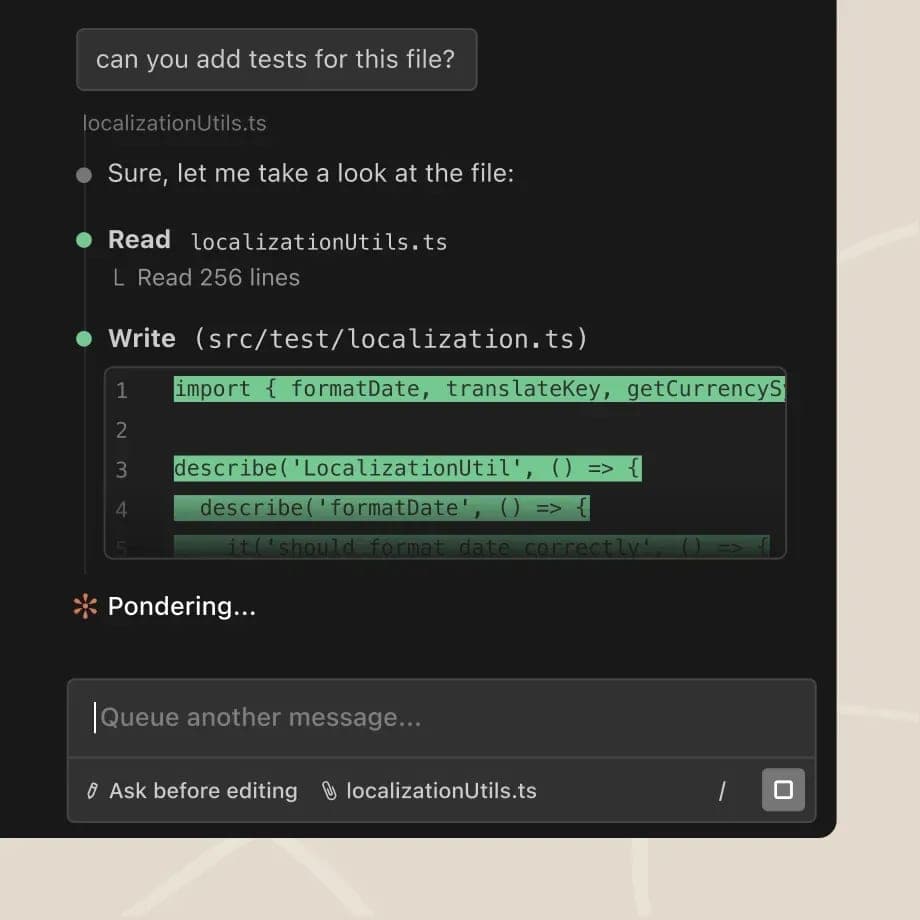
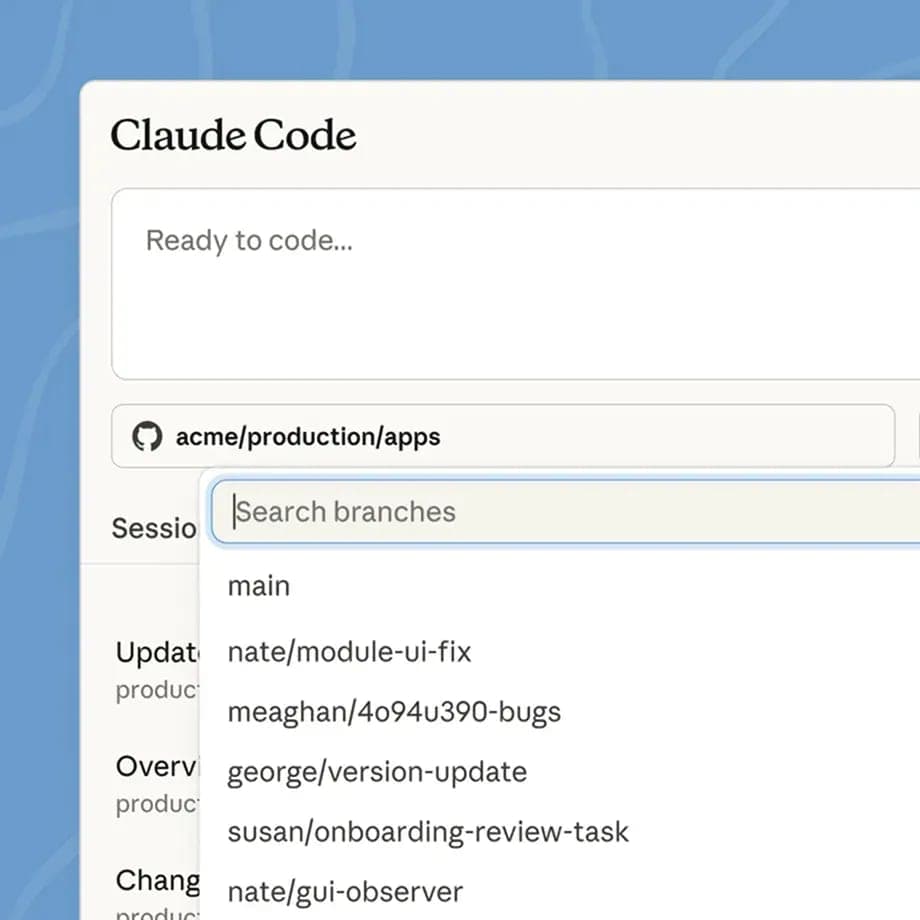
You install it with a one-line command, Homebrew, WinGet or apt/dnf/apk, then run claude in a project folder. Beyond the terminal there is a VS Code extension (which also works in Cursor), a JetBrains plugin, a desktop app, a web version at claude.ai/code and the Claude iOS and Android apps. Interactive terminal and VS Code sessions start in Auto mode, where a classifier reviews actions and blocks those it judges unsafe. In Manual mode it starts read-only and asks before editing files or running commands; bash commands can run in a sandbox. You customise it with CLAUDE.md, skills, hooks and MCP servers, run several agents in parallel, schedule recurring tasks, or automate through GitHub Actions, GitLab CI/CD and Slack. The official GitHub repository has over 155,000 stars.
Pricing and limits
Per the official pricing page, Claude Code is included in Pro (20 USD a month, or 17 USD a month billed annually), Max (100 USD), Ultra (200 USD), Team and Enterprise; the Free plan does not include it. Max and Ultra add 100 and 200 USD a month in API credits respectively. Team starts at 20 USD per seat per month billed annually (25 USD monthly) with up to 500 USD a month in pooled API credits. Limits reset every 5 hours and weekly. On 28 July 2025 Anthropic announced weekly limits for Pro and Max, effective 28 August 2025, estimated to affect under 5% of subscribers. A Console account is billed at standard API pricing.
More analysis
Compared with alternatives
Claude Code is a terminal-first agent that also plugs into CI, unlike IDE-centred AI editors such as Cursor or Windsurf. OpenAI Codex and GitHub Copilot also offer coding agents, with different models and pricing. Points to weigh are plan-based usage caps and the fact that it runs only Anthropic models. This review is compiled from documentation and public sources, not from hands-on use.
Screenshots
Plans & pricing
Prices last verified Nov 10, 2026
Pro
$20/mo
$17/mo billed yearly
20 USD a month, or 17 USD a month billed annually (200 USD up front). Includes Claude Code; usage limits reset every 5 hours and every week.
Max
$100/mo
100 USD a month. 5x Pro usage per 5-hour window and per week, plus 100 USD a month in API credits for the Claude Platform.
Ultra
$200/mo
200 USD a month. No 5-hour limit for verified accounts; weekly usage is 10x Pro; includes 200 USD a month in API credits.
Team (Standard seat)
$25/mo/user
$20/mo billed yearly
25 USD per seat per month, or 20 USD billed annually. For teams of 2 to 150; includes Claude Code and up to 500 USD a month in pooled API credits.
Team (Premium seat)
$125/mo/user
$100/mo billed yearly
125 USD per seat per month, or 100 USD billed annually. 5x the usage of a Standard seat; can be mixed with Standard seats.
Enterprise
$20/mo/user
From 20 USD per seat per month billed annually, 20-seat minimum, plus usage charged at API rates. Admins can set user and organisation spend limits.
- Free plan limits
- The Free plan does not include Claude Code. Through a Console (API) account it is billed at standard API pricing.
- Free trial
- No free trial
Cancellation & refunds
The pricing page states no refund or cancellation terms; it only lists billing cycles: Pro monthly or annual, Max and Ultra monthly.
Privacy
According to the official documentation, Claude Code runs locally but sends prompts and model outputs over the network, encrypted with TLS 1.2+. On Free, Pro, Max and Ultra plans, Anthropic trains on your data only when that setting is on: data is kept 5 years if it is on, 30 days if off. For Team, Enterprise and API use, Anthropic says it does not train on code or prompts unless the customer opts in, for example through the Development Partner Program; standard retention is 30 days, and zero data retention (ZDR) can be enabled for qualifying Enterprise accounts. Session transcripts are cached locally in plaintext for 30 days by default. Metrics (which never include code, prompts or file paths) are on by default with the Claude API and can be disabled with DISABLE_TELEMETRY=1. Transcripts sent via /feedback, /bug or /share are retained for 5 years.
Claude Code alternatives

 7.5/10
GitHub Copilot
An AI coding assistant that runs in most major IDEs and ties into GitHub
 7.4/10
Cursor
An AI-first code editor with agents that run locally or in the cloud
Frequently asked questions
Is Claude Code free?
No. The pricing page says the Free plan does not include Claude Code. You need Pro, Max, Ultra, Team or Enterprise, or a Console account billed at API prices.
Does Claude Code train on my code?
On Free, Pro, Max and Ultra it depends on your privacy setting. For Team, Enterprise and API, Anthropic says it does not train on code or prompts unless the customer opts in, for example through the Development Partner Program.
Which operating systems does it support?
The terminal version runs on macOS, Linux and Windows (including WSL). The desktop app is available for macOS and Windows, with an Ubuntu/Debian version in beta. There is also a web version and the Claude iOS and Android apps.
Does it edit files without asking?
In Auto mode, the default for interactive terminal and VS Code sessions, a classifier reviews actions and blocks those it judges unsafe, so many changes go through without a prompt. In Manual mode it starts read-only and asks before editing files or running commands. Accept Edits mode auto-approves file edits inside the working directory.
Review evidence & sources12
Scores
- Ease of use
- 8.0
- Features
- 8.8
- Value for money
- 7.0
- Performance
- 7.3
- Support
- 6.2
- Privacy & security
- 6.8
Why this score
Installs with one command, Homebrew or WinGet; you log in and run claude in a project folder. The desktop app and web version need no CLI. The interface is English-only. It still assumes terminal familiarity and an understanding of the permission modes.
Why this score
The docs list parallel agents, scheduled tasks, hooks, skills, MCP, GitHub Actions, GitLab CI/CD, Slack, Chrome and the Agent SDK. Broader than most peers, though limited to Anthropic models.
Why this score
Pro at 20 USD a month includes Claude Code, but 5-hour and weekly caps push heavy users to Max (100 USD) or Ultra (200 USD), which include 100 and 200 USD a month in API credits respectively. The Free plan excludes it.
Why this score
Anthropic's launch post says that in its early testing Claude Code finished in one pass tasks that would normally take 45+ minutes of manual work; that is a vendor figure. No independent benchmark appeared in the sources opened. User ratings are mixed: the VS Code extension holds 3.7/5 (851 ratings) and the beta JetBrains plugin 2.3/5 (483). Usage caps also limit throughput.
Why this score
Extensive documentation, free Claude Academy courses, a public GitHub issue tracker and a HackerOne security program. The pricing page names no direct support channel per plan. Claude's Trustpilot profile (covering all Claude products, not Claude Code alone) is 1.5/5 from 2,134 reviews, with frequent complaints about unexpected charges, account blocks and support requests left unanswered for days.
Why this score
Positives: commercial plans are not used for training, ZDR exists, telemetry can be disabled, and Anthropic offers a SOC 2 Type 2 report and ISO 27001 certificate. Negatives: individual-plan data can be used for training when the setting is on (5-year retention), local transcripts are plaintext, and /feedback transcripts are kept 5 years.
What users say
- Visual Studio Marketplace (VS Code extension)3.7/5 · 851
- JetBrains Marketplace (plugin)2.3/5 · 483
Sources
- Vendor-providedOfficial product pageNov 10, 2026
- Vendor-providedOfficial pricing pageNov 10, 2026
- Vendor-providedClaude Code documentation: overviewNov 10, 2026
- Vendor-providedClaude Code documentation: data usageNov 10, 2026
- Vendor-providedClaude Code documentation: securityNov 10, 2026
- Community-reportedClaude Code GitHub repositoryNov 10, 2026
- Vendor-providedAnthropic: Claude 3.7 Sonnet and Claude Code (2025-02-24)Nov 10, 2026
- Vendor-providedAnthropic: Introducing Claude 4 (2025-05-22)Nov 10, 2026
- pressTechCrunch (2025-07-28)Nov 10, 2026
- review-siteTrustpilot: Claude (all products)Nov 10, 2026
- storeVisual Studio Marketplace listingNov 10, 2026
- storeJetBrains Marketplace listingNov 10, 2026
Specs & compatibility
- Developer
- Anthropic
- Headquarters
- United States
- Launched
- 2025
- Category
- DevelopmentAI
Capabilities
- AI features
- Public API
- Integrations
- Real-time collaboration
- Mobile app
Platforms
- macOS
- Windows
- Linux
- Web
- iOS
- Android
- API
Interface languages
- English
Integrations
- VS Code
- Cursor
- JetBrains
- GitHub Actions
- GitLab CI/CD
- Slack
- MCP servers
- Chrome
- Amazon Bedrock
- Google Cloud Agent Platform
- Microsoft Foundry
Support
- Help center
- Community forum
Change history
- Limits.Anthropic announced new weekly limits for Pro and Max (overall and Opus 4-specific), effective 28 August 2025.
- Feature.Claude Code became generally available with Claude 4, with beta VS Code and JetBrains extensions, a GitHub integration and an SDK.
- Launch.Anthropic introduced Claude Code as a limited research preview alongside Claude 3.7 Sonnet.